
I have Angus to thank for this tip.
Make one side of your model. Btw, this works best for complex models where you want symmetry. Simple models can still be done this way but let's face it, if it's simple, then it isn't that hard to do anyway.
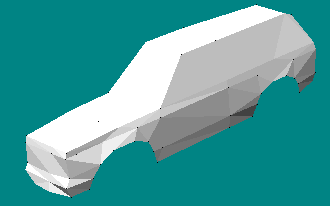
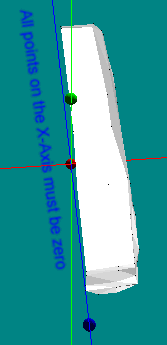
The trick is to make sure the model is aligned along one of the axes. In this case, it's centered on the x-axis. All the points for the middle of your model should be on the axis. So, here, all the model's middle points have an x value of zero.
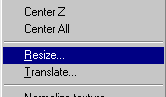
Now, just goto Resize.
You see the currect width, len(g)th and height values. The trick is just to change the width to a negative value. Of course, if you are working along the length or height, you'd switch that value instead of width. Leave the keep proportion box unchecked.
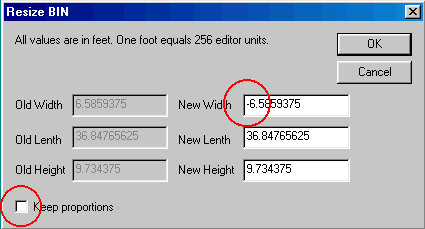
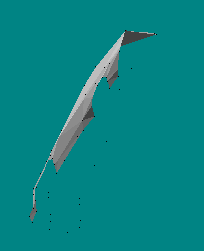
Click OK and your model will look very strange. Don't worry, the next step fixes that.
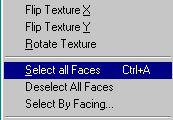
Simply select all faces.
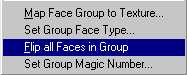
Then flip all faces in group.
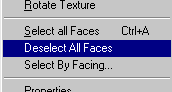
And of course, deselect all faces.
Now you have an exact mirror of your original model.
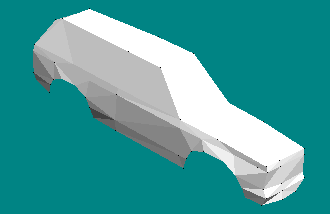
To complete the process, goto Insert
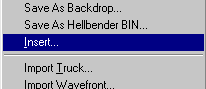
And select the file you started with. When you click open, your model will be complete with two perfectly symmetrical halves.
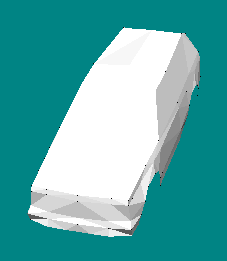
If you like you can merge close vertices, and then delete unused vertices.
Nice trick.
