Truck Making · Repainting
Making Trucks with C-Pod
(BIN Texture Replacer)
Now that we have the textures ready, we must tell the model to use them.
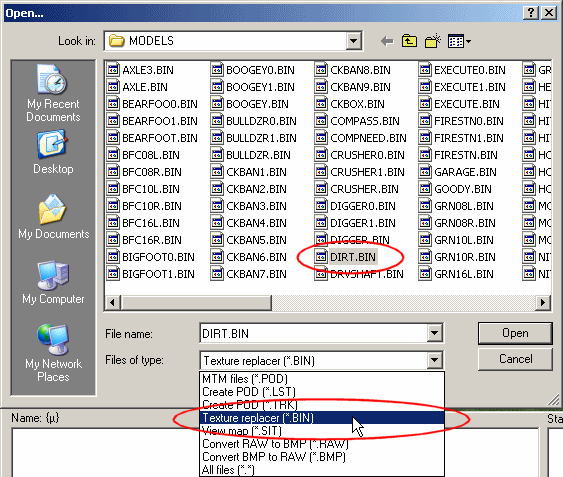
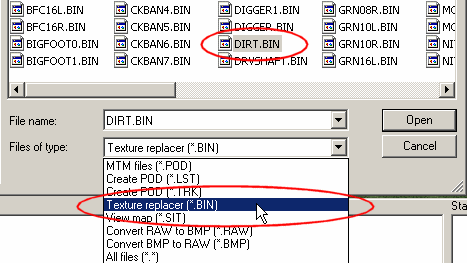
- Start C-Pod and open DIRT.BIN (just like we did before)
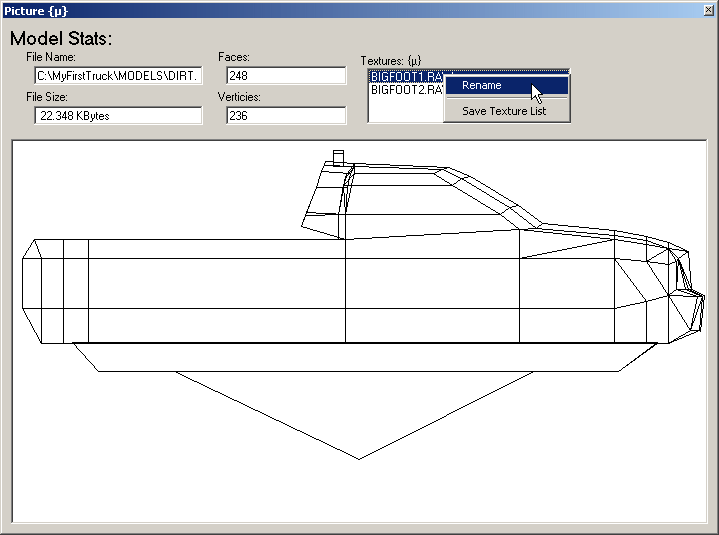
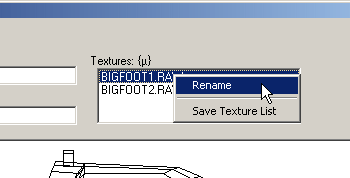
- Double click the first texture name in the top right of the window to get the options. Click "rename"
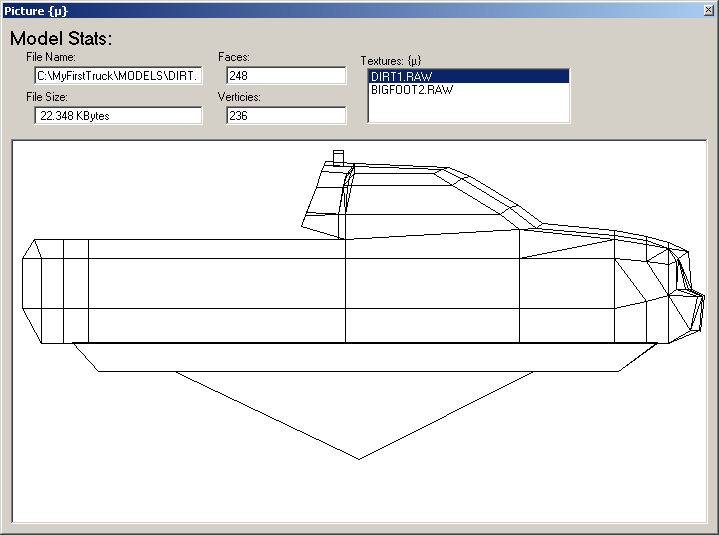
- The texture replacer box opens. Change BIGFOOT1.RAW to DIRT1.RAW.
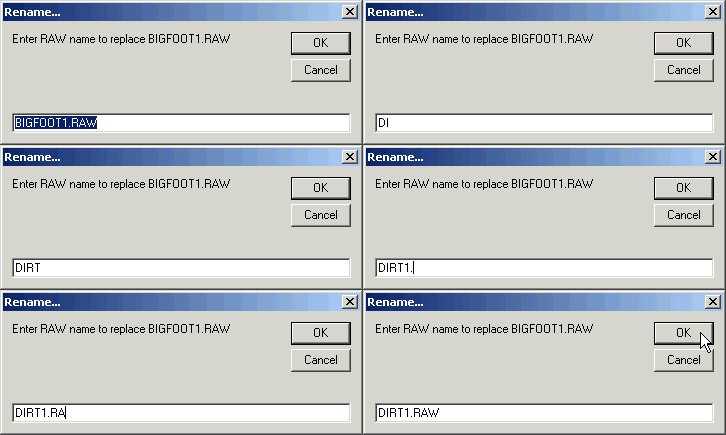
- Click OK to save the changes.
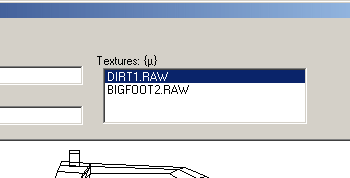
- Repeat this step to change BIGFOOT2.RAW to DIRT2.RAW.
- Close C-Pod.